
⚡
Sales in seconds
Smart suggestions as you type the brand and product, quantity, price and payment method, and one key to save. The day's total updates as you type.
For veterinary clinics
VetHesap records daily sales and transactions at your front desk in seconds. Breakdown by brand, daily, weekly and monthly reports, and one register reachable from as many devices as you need — in one program.
Features
Sales, expenses, brands and profitability in one program. Unlike complex accounting software, VetHesap speaks your clinic's language.
Smart suggestions as you type the brand and product, quantity, price and payment method, and one key to save. The day's total updates as you type.
Record expenses in a few clicks, so income and expenses sit side by side in every report.
Daily, weekly, monthly and yearly summaries, with income, expenses and net profit together. Weeks start on Monday and the time zone is Türkiye's; the currency can be TRY, GBP or EUR.
Income, expenses and net profit month by month, year-over-year comparison, and period analysis with year and month filters.
How revenue splits across brands and how each brand moves through the year — so ordering and supplier decisions rest on data, not guesses.
Examinations and clinic procedures are tracked apart from product sales, with a breakdown by procedure type and a cash-book view.
Fix or cancel records entered by mistake. Changes are kept in the history, and no data is ever lost silently.
Records are kept on the computer in your clinic, not in the cloud. In single-computer mode the register keeps working when the internet goes down.
An administrator account, additional users and device approval. You stay in control of who recorded what.
How it works
Run the Windows installer you receive from DocPlant. A VetHesap shortcut appears on your desktop.
Create your administrator account, then activate the register with your Organization No and License No. Both arrive by email.
Enter transactions and follow the reports. Connect other computers and phones to the same register whenever you like.
Devices
One program, three ways to run it. It moves with you as you grow.
The simplest
Runs on the one computer at your front desk and stores the data there. No internet needed. Enough for most clinics.
In the clinic + remote
Connect other computers and phones to the register on the main device. Secure access with Organization No, username and password.
On our server
For clinics that prefer no installation: a version hosted on DocPlant's server. Sign in from a browser and reach it from anywhere.
Follow your clinic's register while you are away with the VetHesap mobile app. The day's revenue, brand breakdown and history — on your phone.
The mobile app focuses on viewing; records are entered on the desktop.
Videos
A short introduction first, then feature videos of under a minute each. All are real screen recordings.
Introduction
The first product of the VetVeri family. Guided by more than 30 years of clinic experience, it was built for sales, expense, stock and profitability management in veterinary clinics.
Your data stays on your own computer, not in the cloud — and you reach it instantly from the mobile app.
Fast product selection with smart suggestions, clinic procedures kept apart from product sales, and the day's total updating as you go.
0:37Quick expense entry with the expense type a click away, and the day's net expense summary.
0:41Day, week, month and year at a glance, with income, expenses and net profit together and a breakdown by brand in quantity and amount.
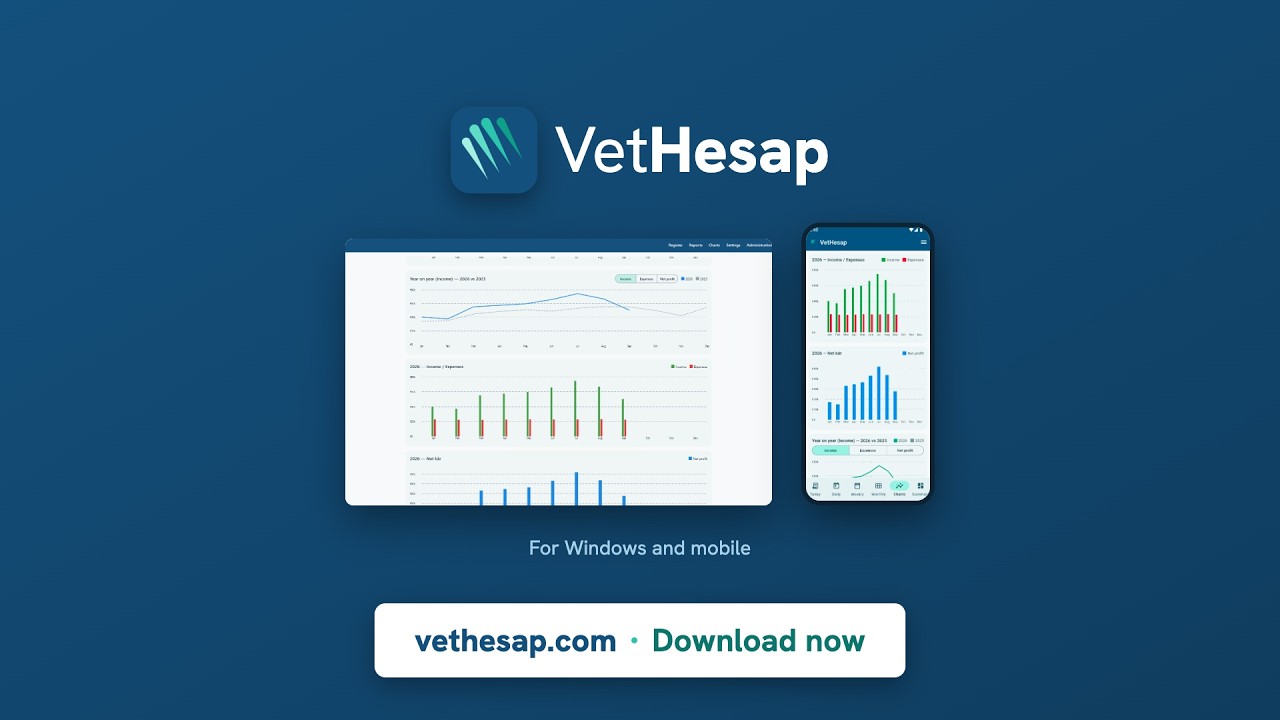
0:39Income, expense and net profit charts, year-over-year comparison, and period analysis with year and month filters.
0:32How revenue splits across brands, each brand through the year, and a clinic breakdown by procedure type.
0:57Daily revenue, weekly trend and monthly comparison on your phone, with a dark theme and data privacy.
VetÖzet subscription
A VetÖzet subscription is included with VetHesap: a weekly digest of new research in cat and dog medicine.
Every week VetÖzet scans newly indexed veterinary research, ranks the papers relevant to cat and dog medicine and summarizes them. It tells you which papers deserve a full read and which only need a glance, and why.
The installer and license details are sent by email from the DocPlant setup team. Write to us to get started, and we will help you set up the same day.
Tested on Windows 10 (22H2) and Windows 11.
Mobile app: on Google Play · iOS coming soon
FAQ
Not in single-computer mode — all data is stored on your computer and it works offline. Multiple-device and cloud modes need the internet because the devices connect to each other.
In single-computer and multiple-device modes the data stays on the main device in your clinic. Only if you choose cloud mode is it hosted on DocPlant's server.
Yes. You make one device the "Main device" and connect other computers and phones to the same register as "Connected devices".
The Organization No is your register's unique 8-digit number. The License No is the activation key DocPlant sends you. If you lose them, DocPlant issues a new license.
The mobile app connects to your register and lets you view daily revenue and reports; it focuses on viewing. The Android version is on Google Play, and the iOS version is coming soon.
A weekly email digest of new research in cat and dog medicine, included for VetHesap customers. Subscription is double opt-in: you confirm by clicking the link sent to your mailbox, and you can unsubscribe with one click.
Contact DocPlant about licensing and cloud/backup options — we will make a recommendation based on the size of your clinic.